DaeumYeog Repairs / 2026-03-13 22:21:45
Installing an Internal BlueSCSI
After all these experiments, and because the original mechanical hard disk of my NeXTStation failed, I decided to install an internal BlueSCSI. The photo also shows the new fan, a Noctua NF-A9 PWM, for near-perfect silence  . .

Disassembling, Cleaning, and Fixing the Keyboard
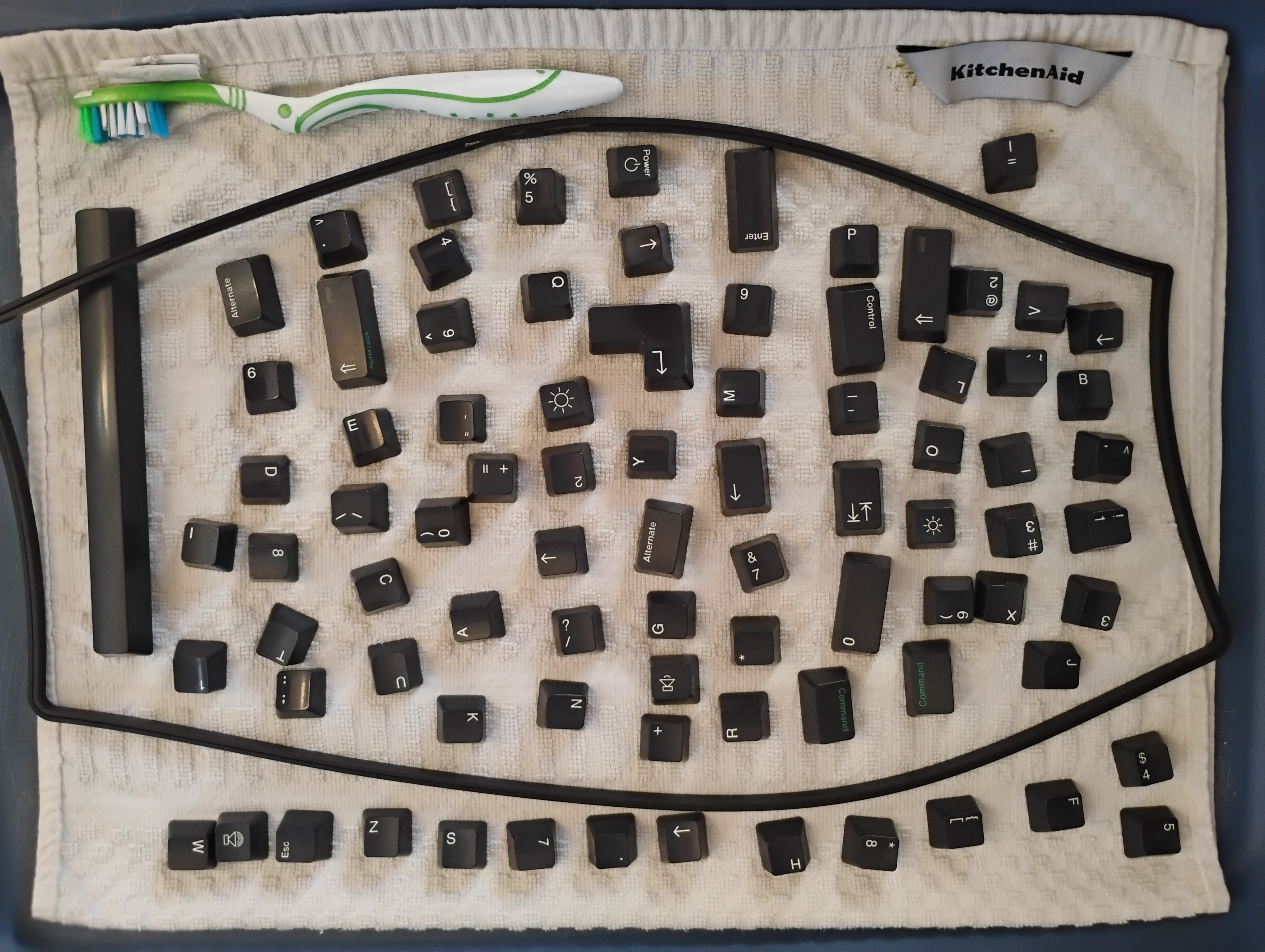
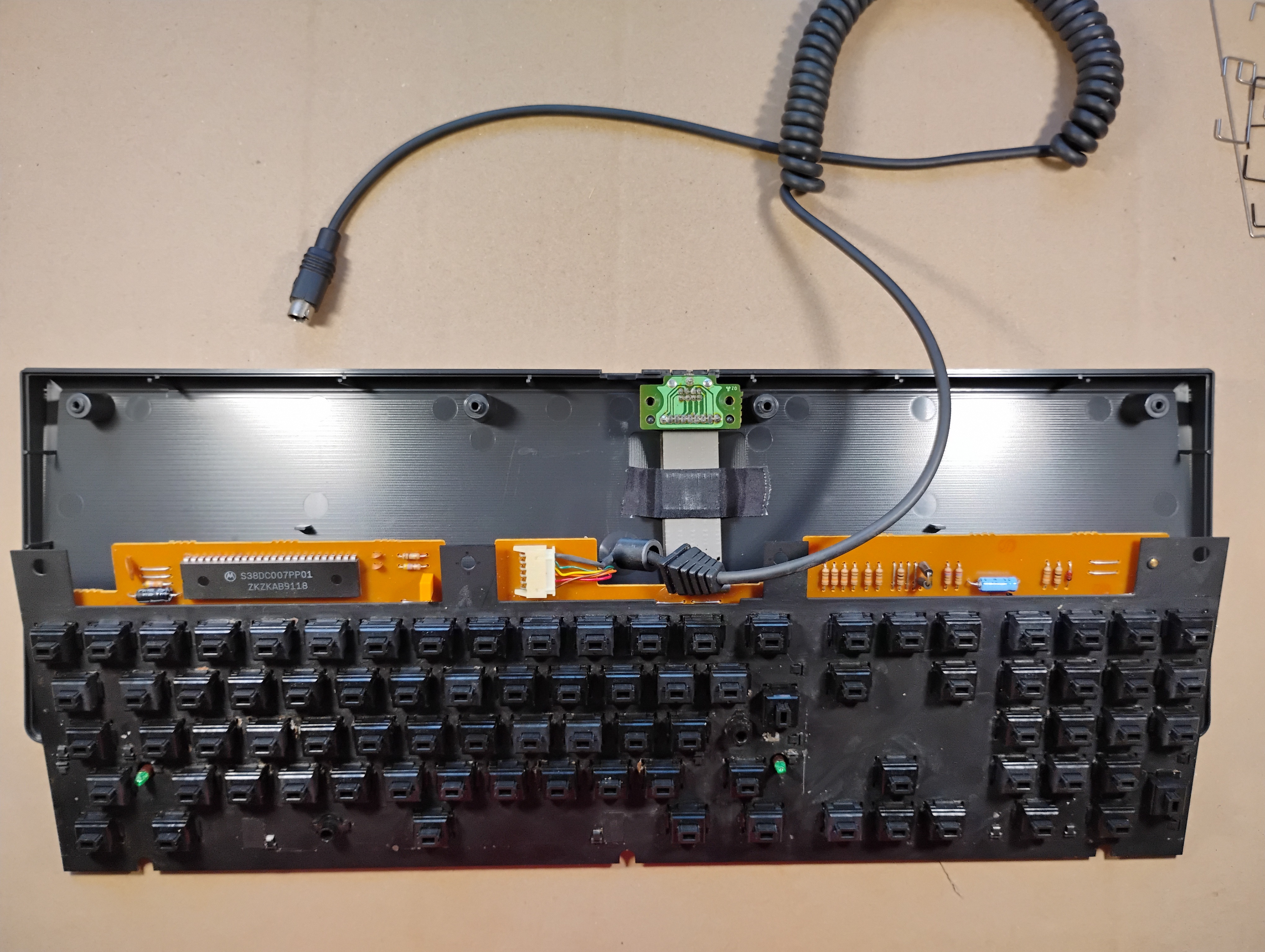
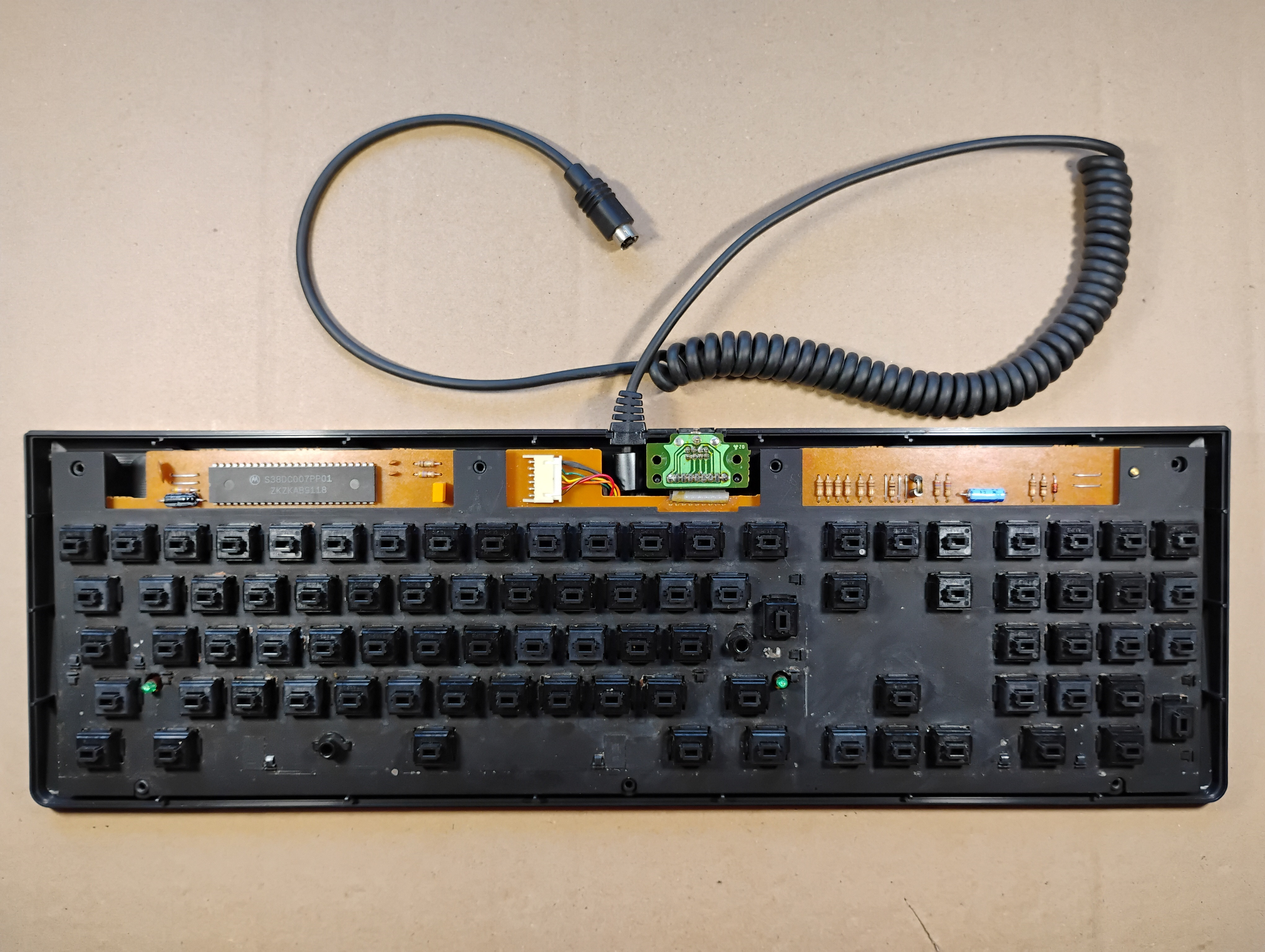
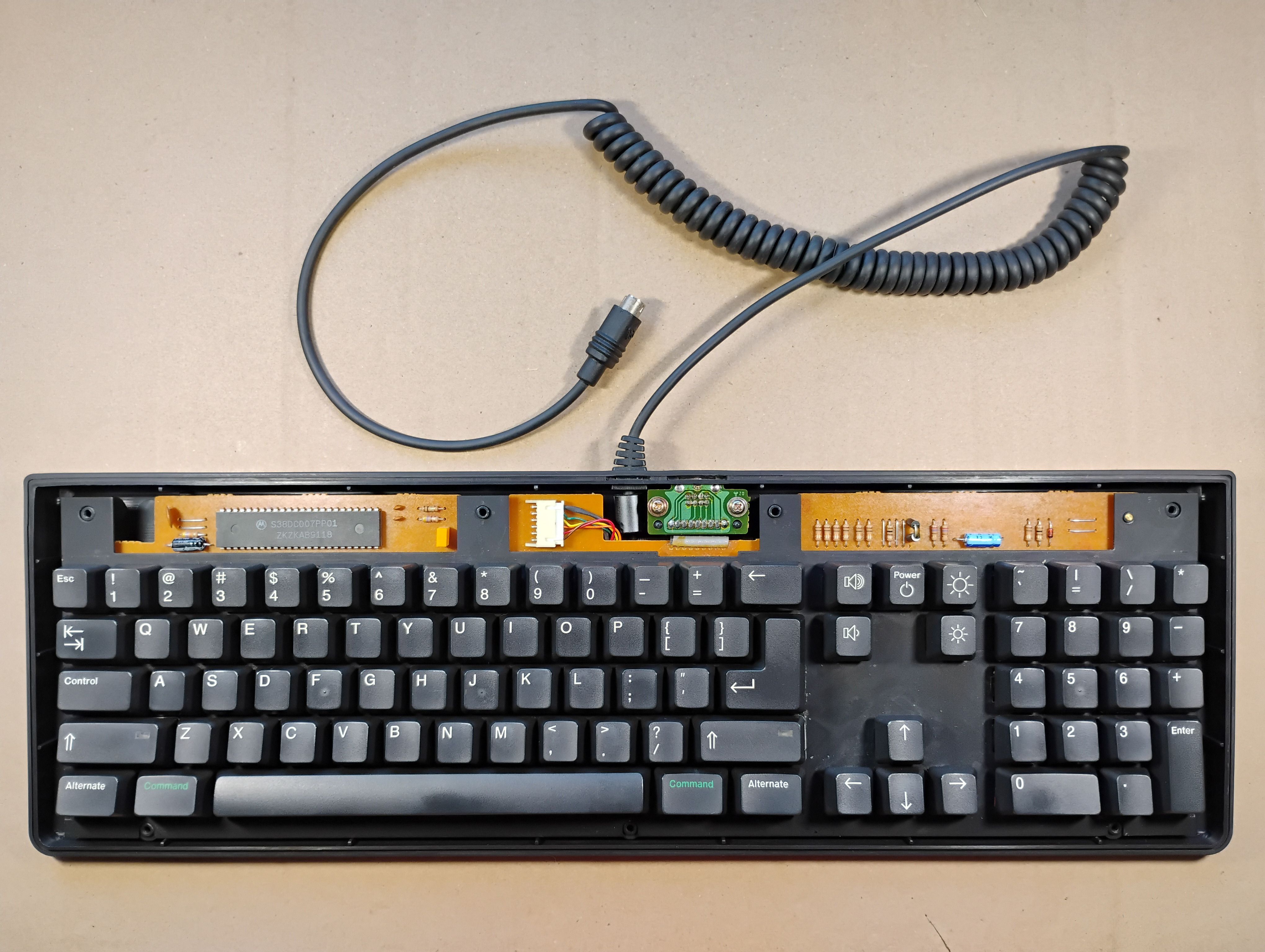
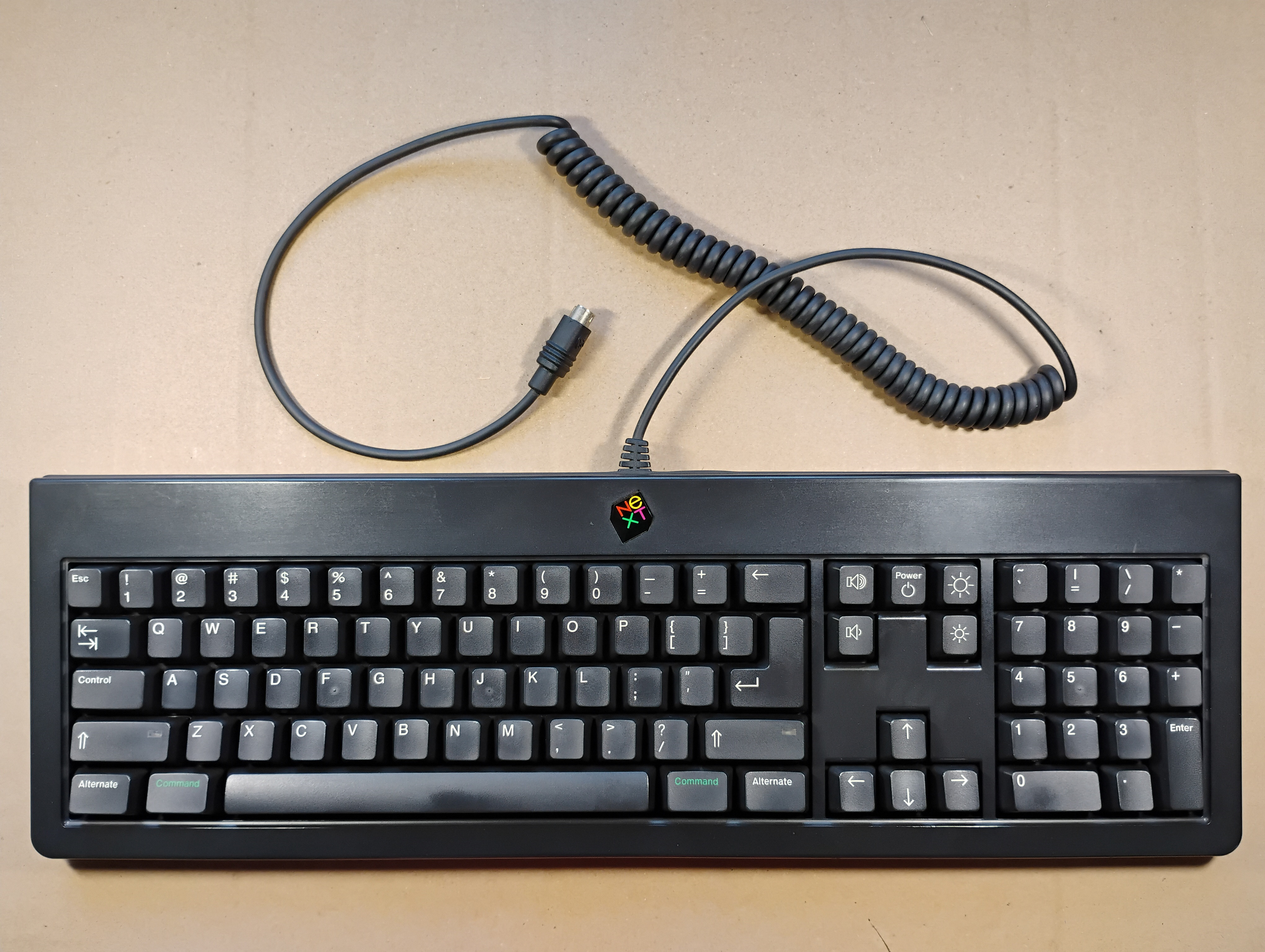
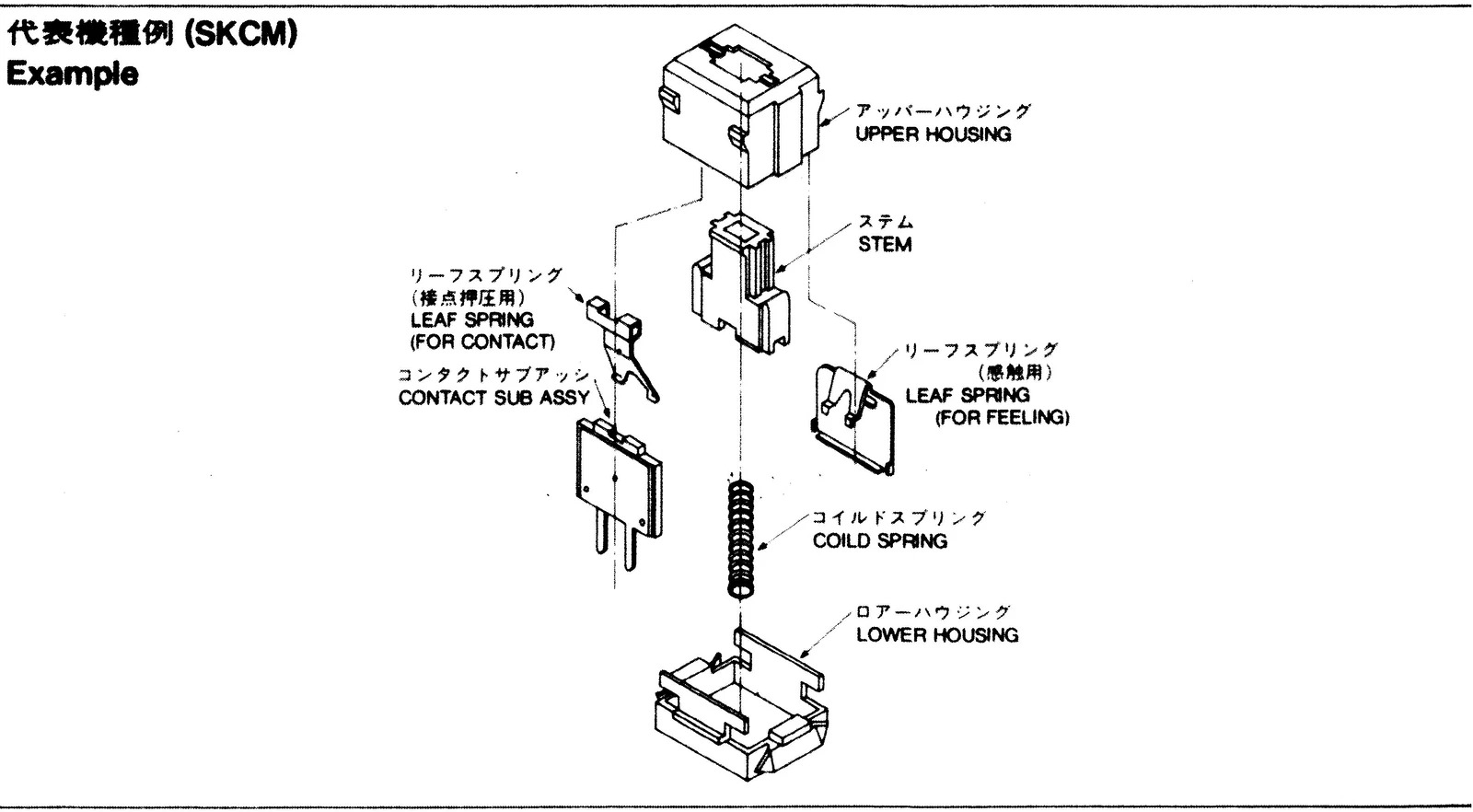
My NeXTStation ADB keyboard came "as is", which means that four keys weren't working, and it was pretty dirty  . The "broken" keys were 8 in the top row, d and j in the middle row, and 0 in the num pad. Below, I show how to disassemble, clean, and fix this keyboard! The NeXTStation ADB keyboard uses Alps SKCM black key switches. I found a blueprint for these switches on eBay and a video on YouTube by Chyrosran22 that explains how to disassemble and clean one of them. . The "broken" keys were 8 in the top row, d and j in the middle row, and 0 in the num pad. Below, I show how to disassemble, clean, and fix this keyboard! The NeXTStation ADB keyboard uses Alps SKCM black key switches. I found a blueprint for these switches on eBay and a video on YouTube by Chyrosran22 that explains how to disassemble and clean one of them.
Taking Care of the Keyboard
| Photo |
Comment |
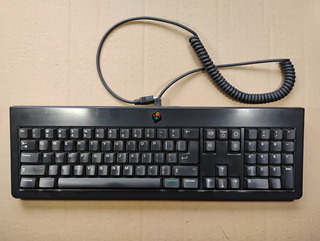 |
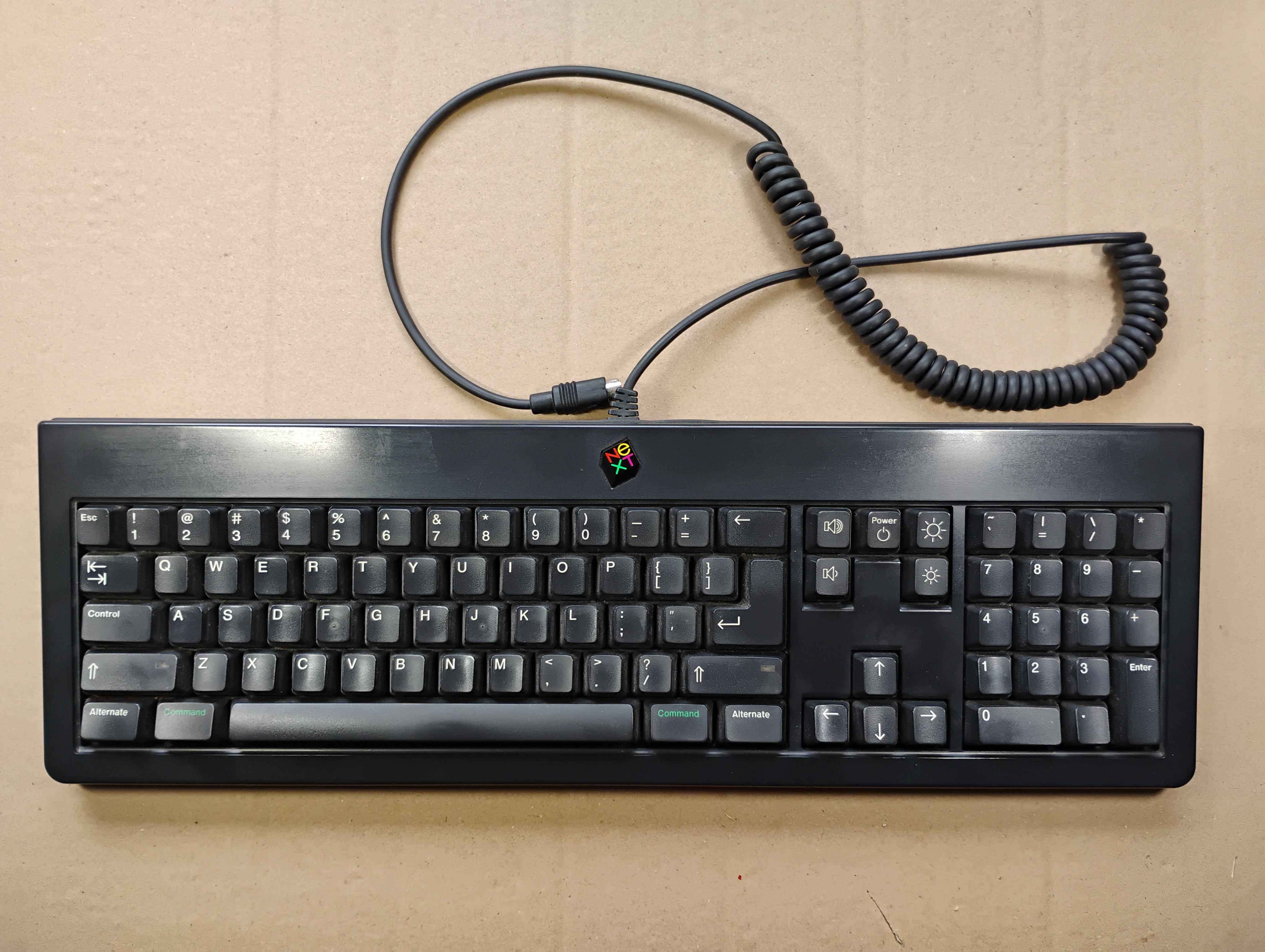
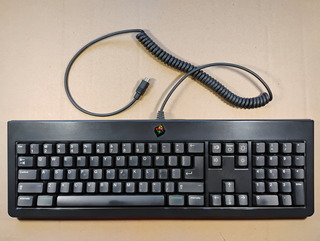
The keyboard before cleaning doesn't look bad, but wait to see inside  . . |
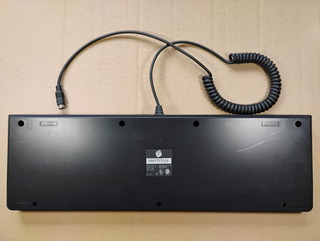 |
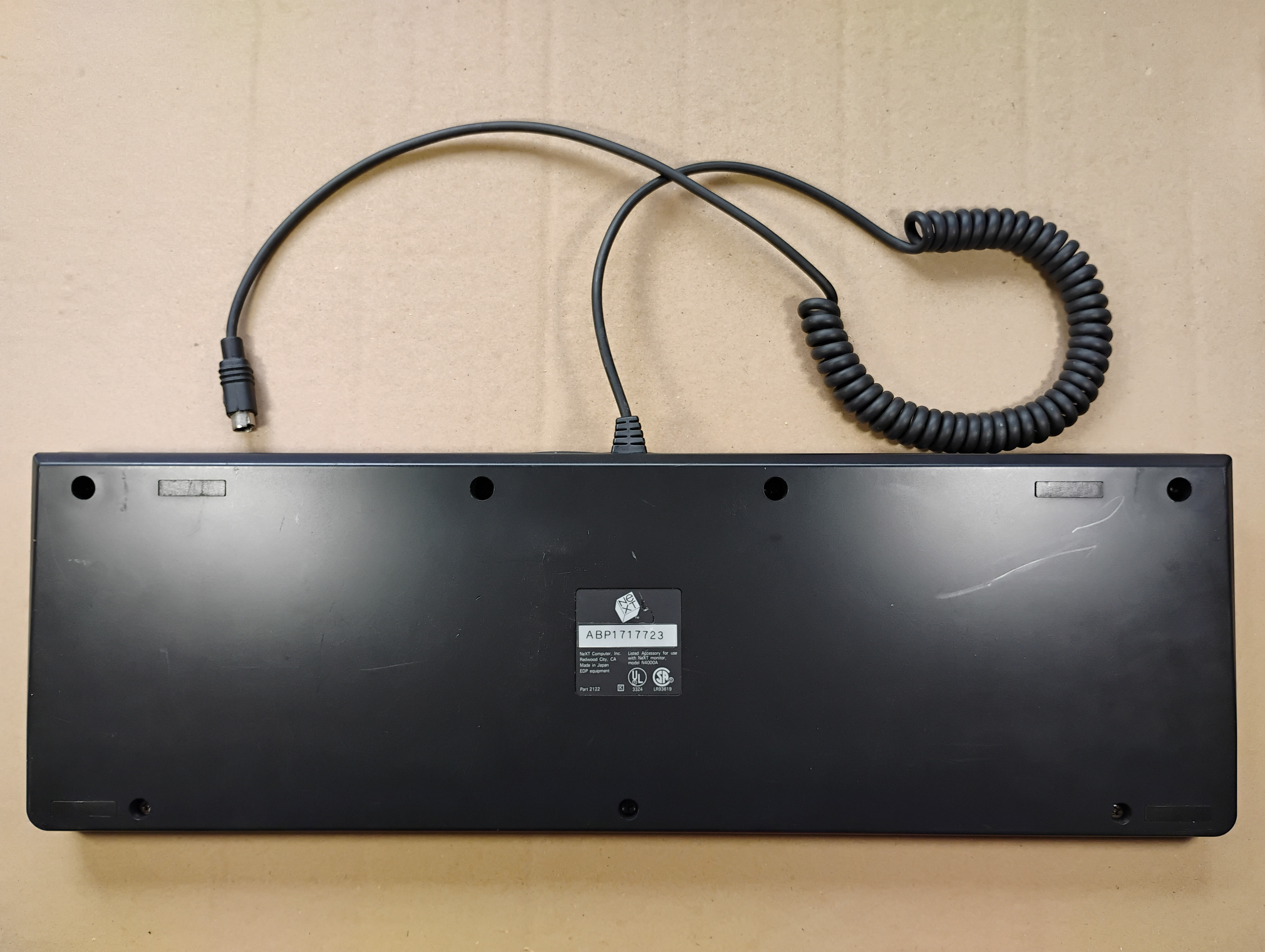
The back of the keyboard with its serial number, ABP1717723. |
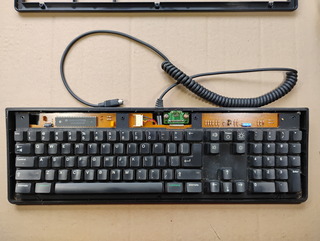 |
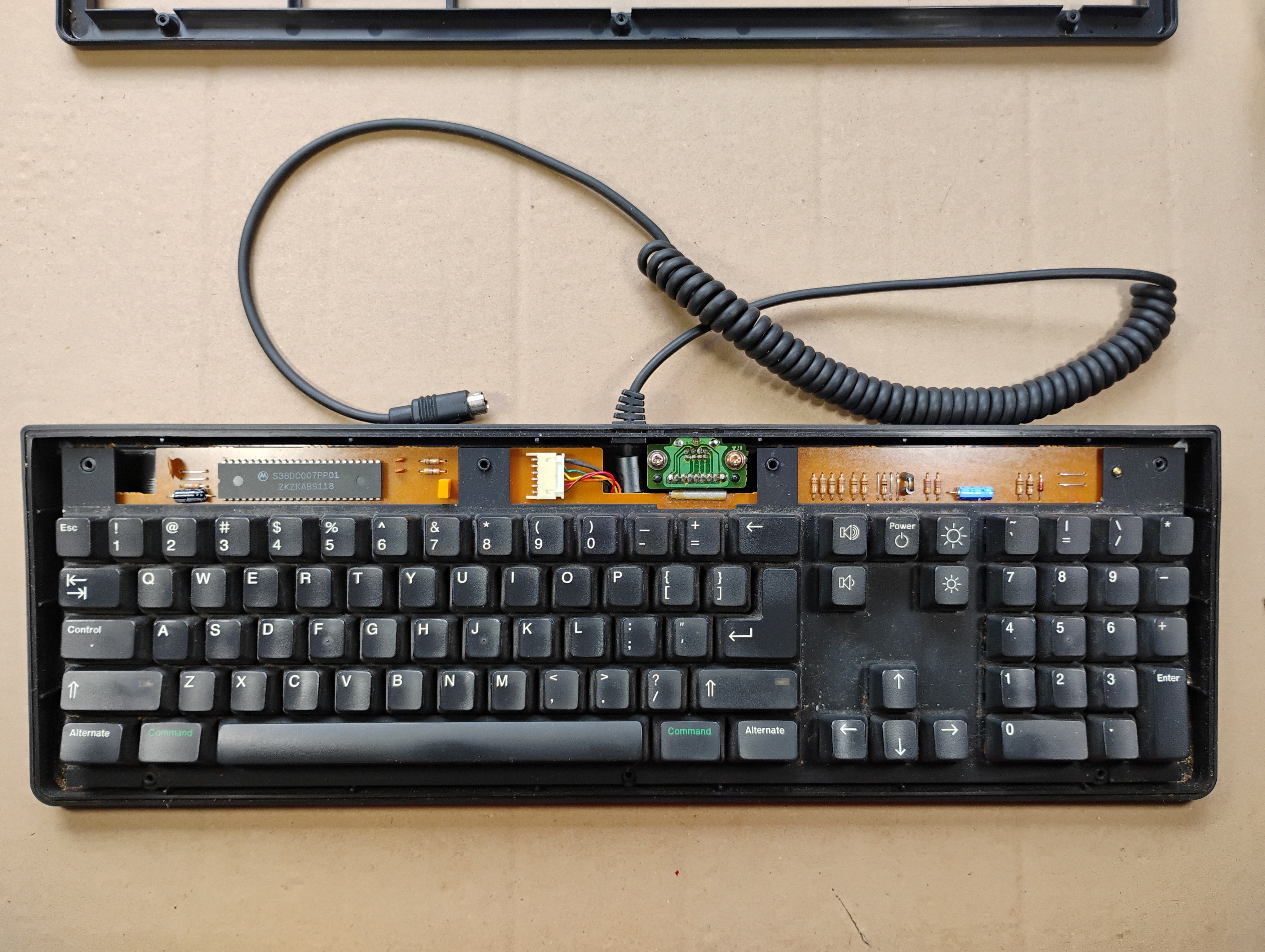
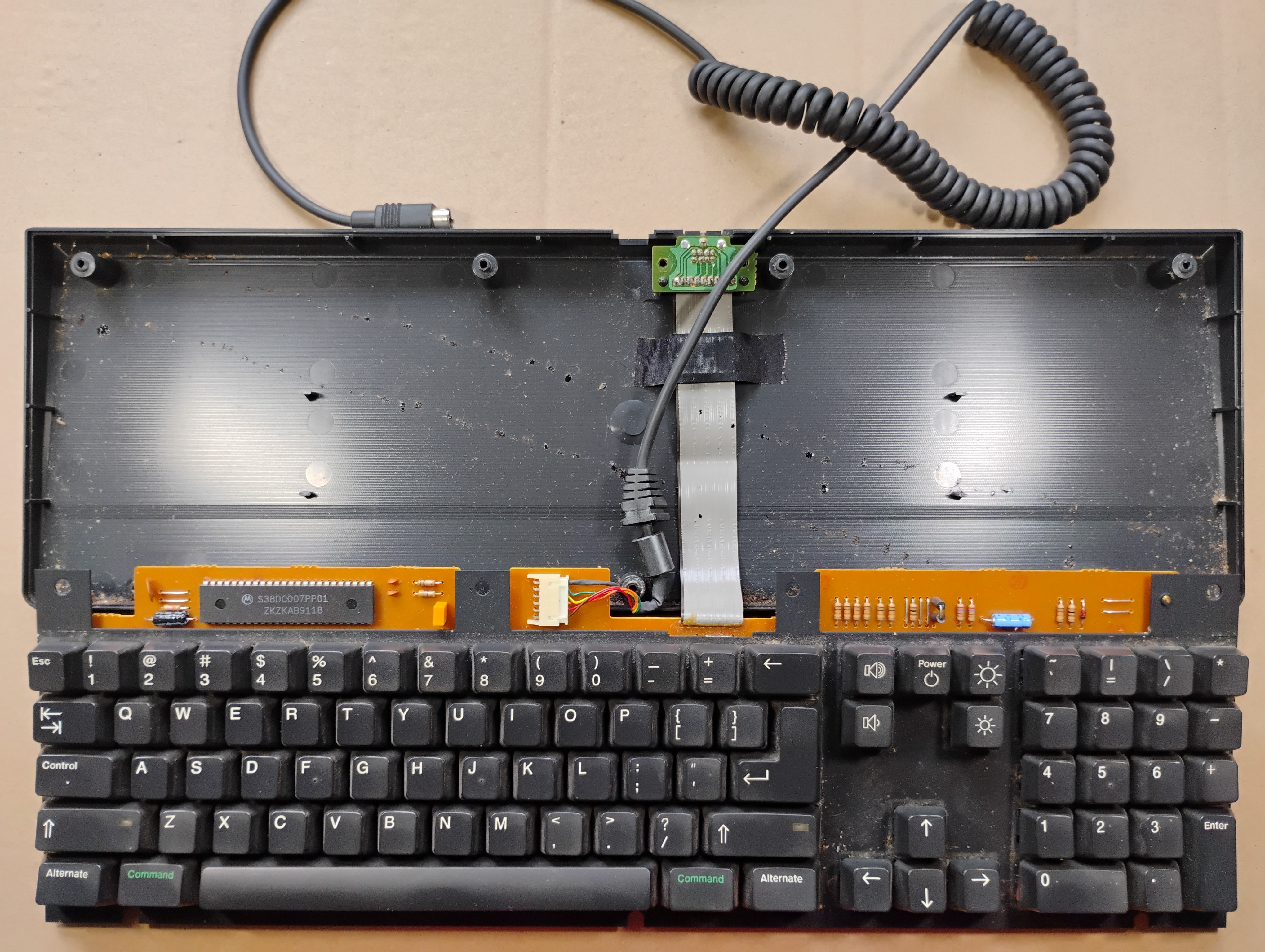
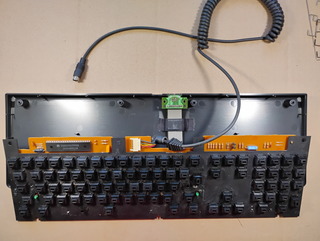
The keyboard without its top cover. |
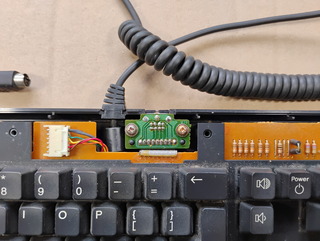 |
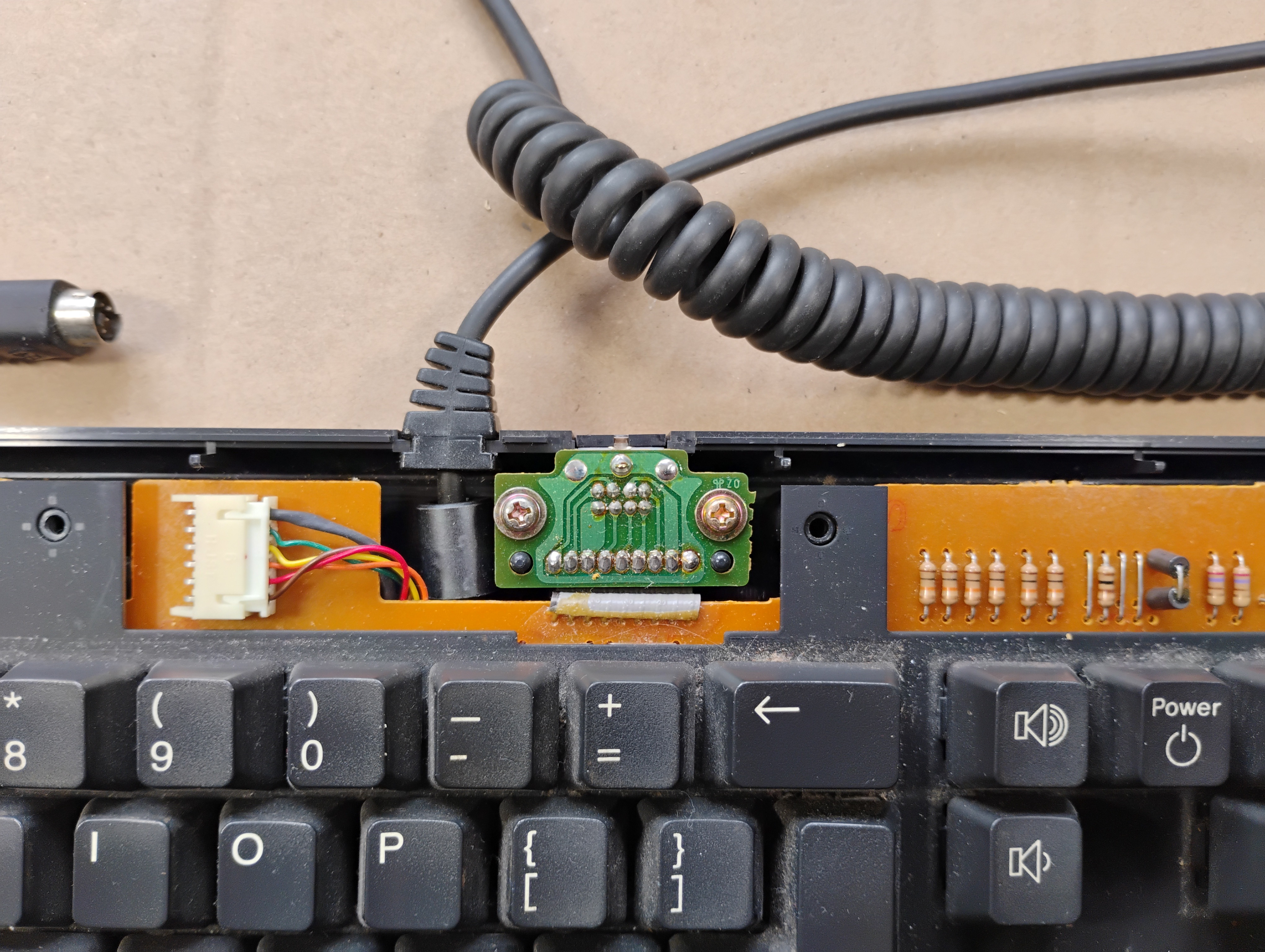
Zoom in on the connectors: the cable to the monitor and the connector for the mouse. |
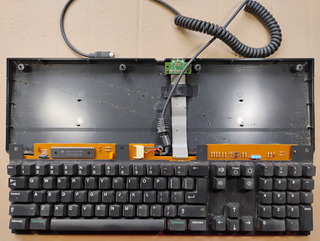 |
The flat cable for the mouse connector is actually pretty long and folded under the keyboard place. |
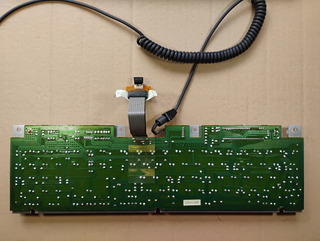 |
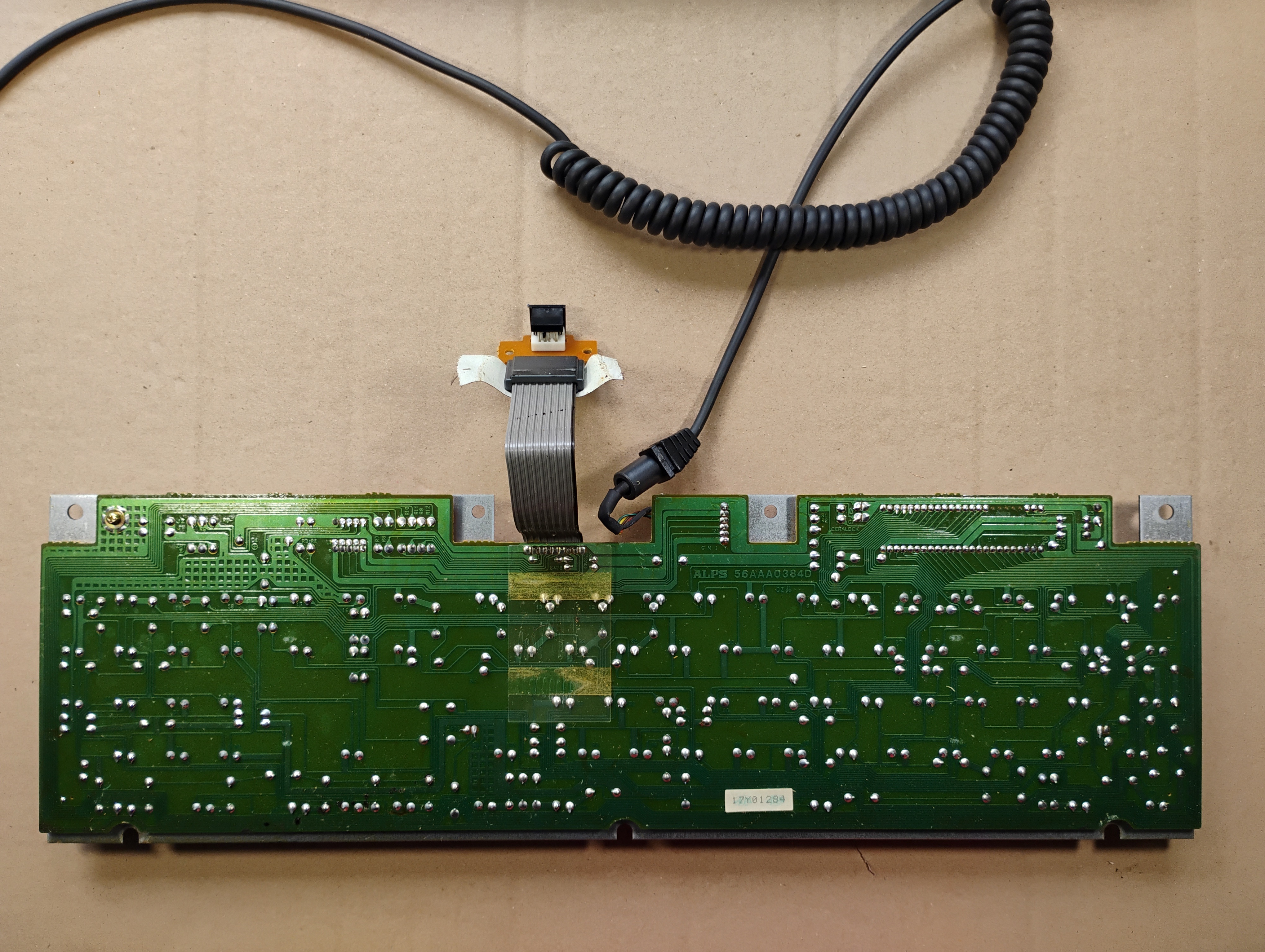
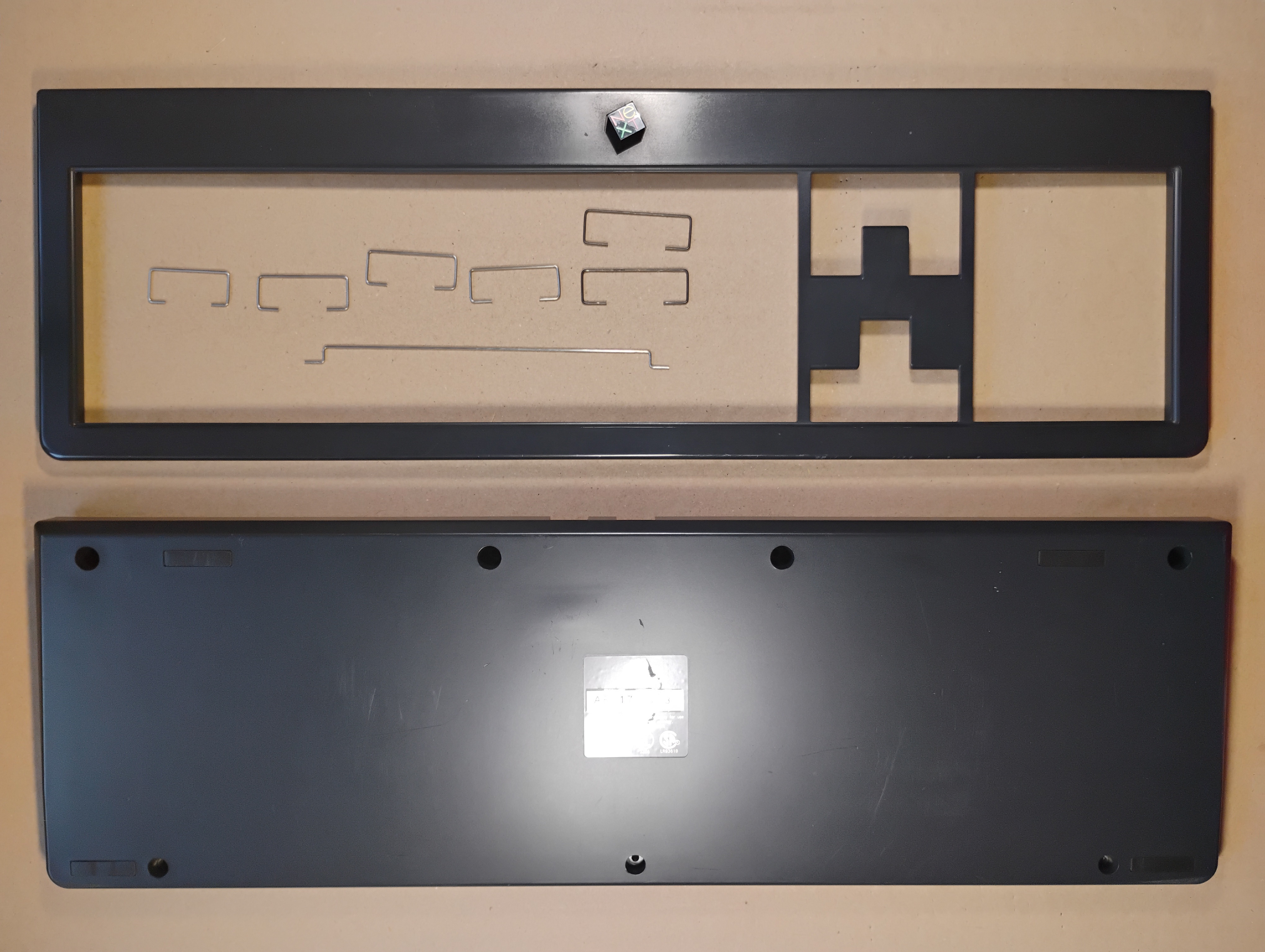
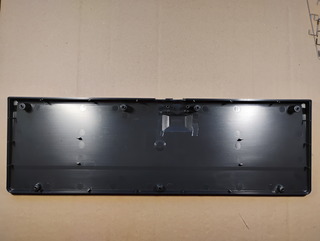
The back of the keyboard is clean. |
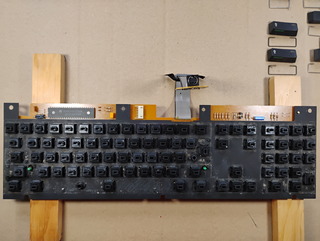 |
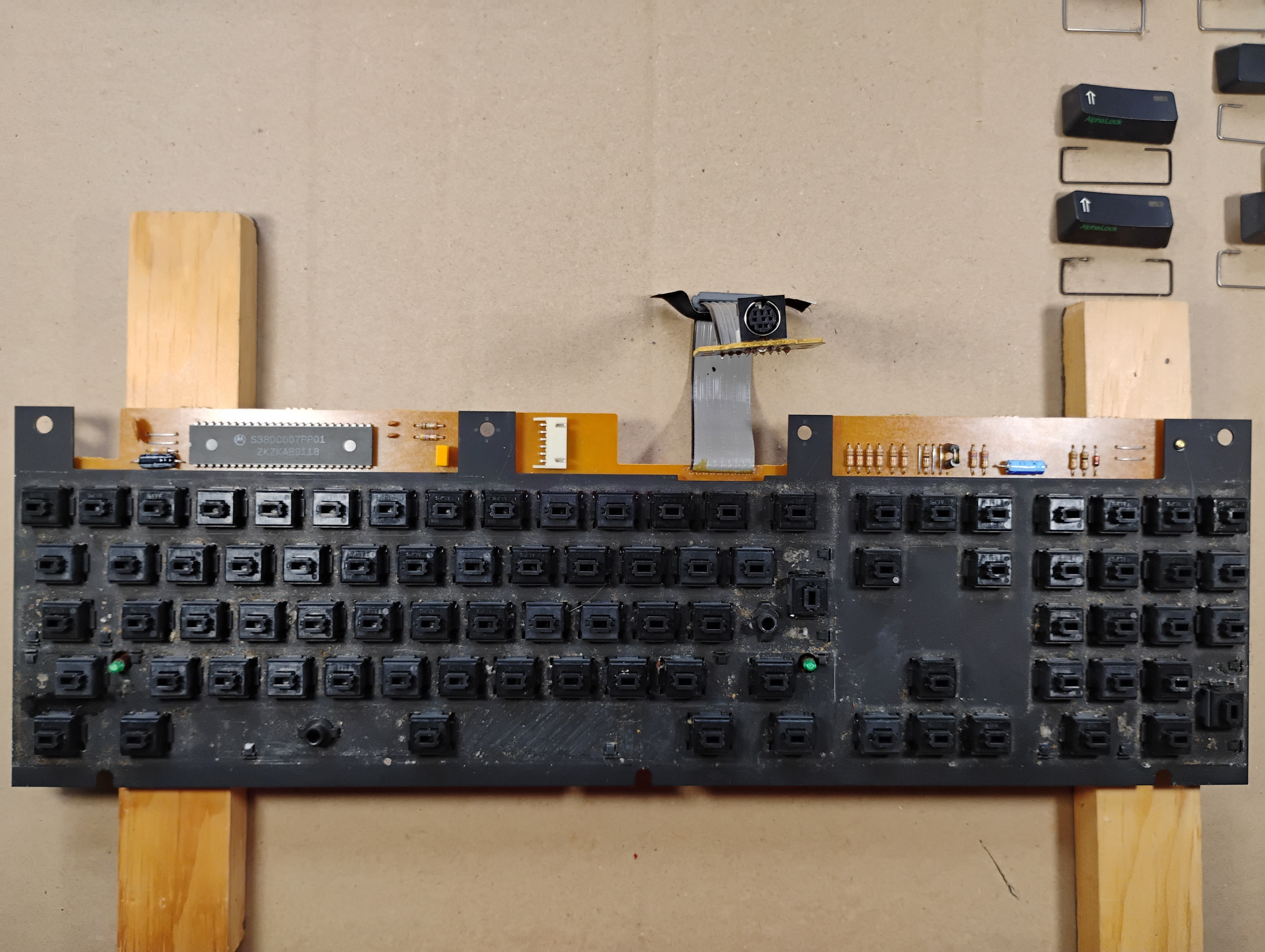
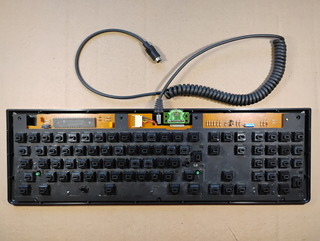
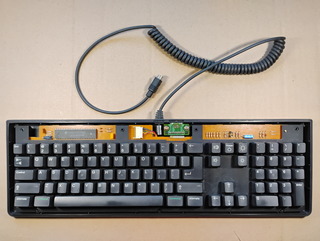
The top of the keyboard plate, without the keycaps, is very dirty... |
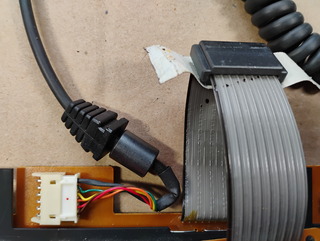 |
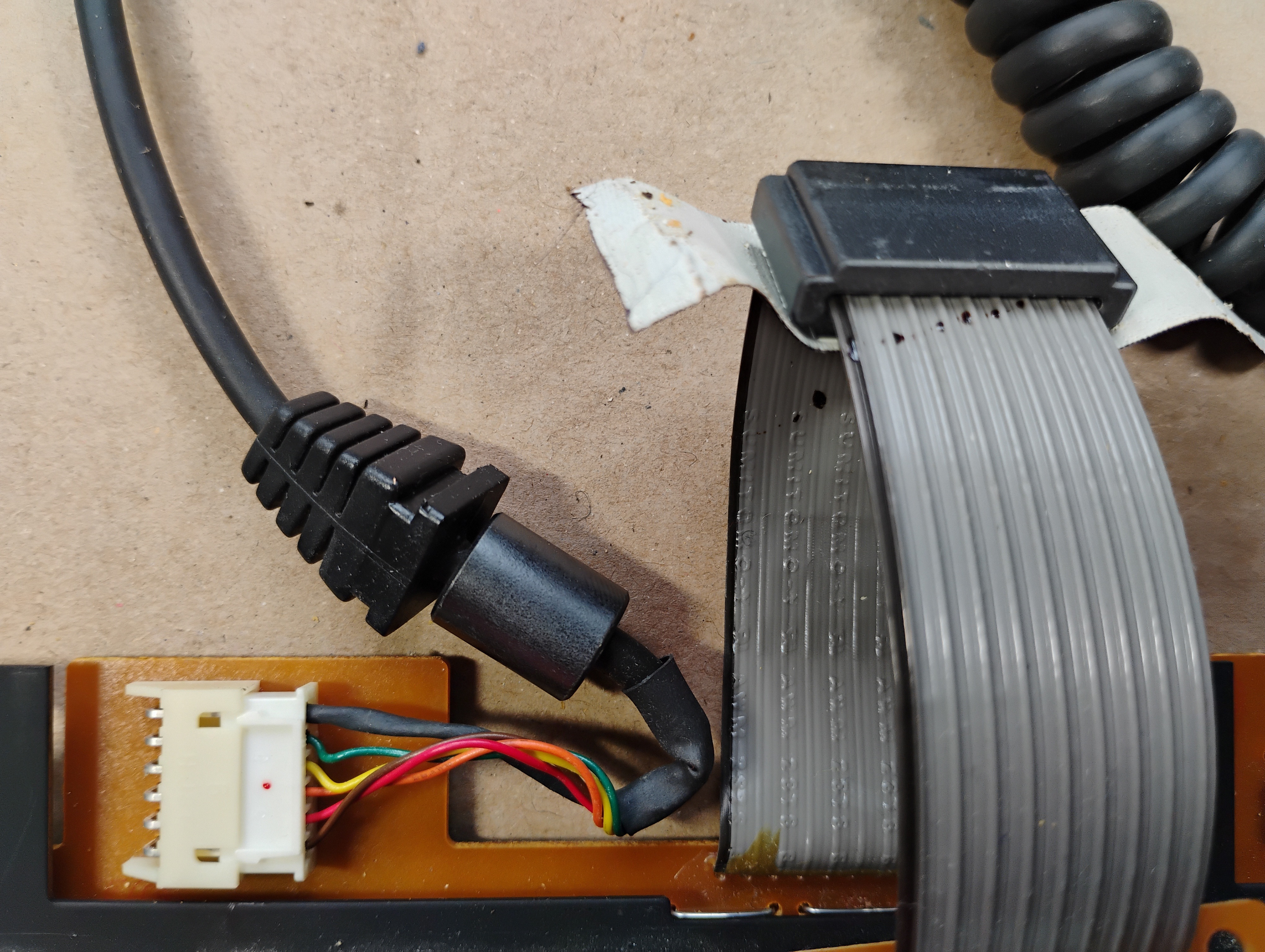
Zoom in on the cable connector, showing the little red dot. |
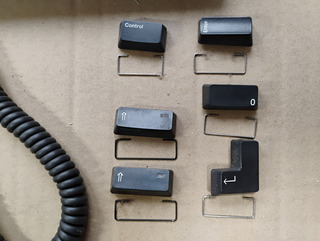 |
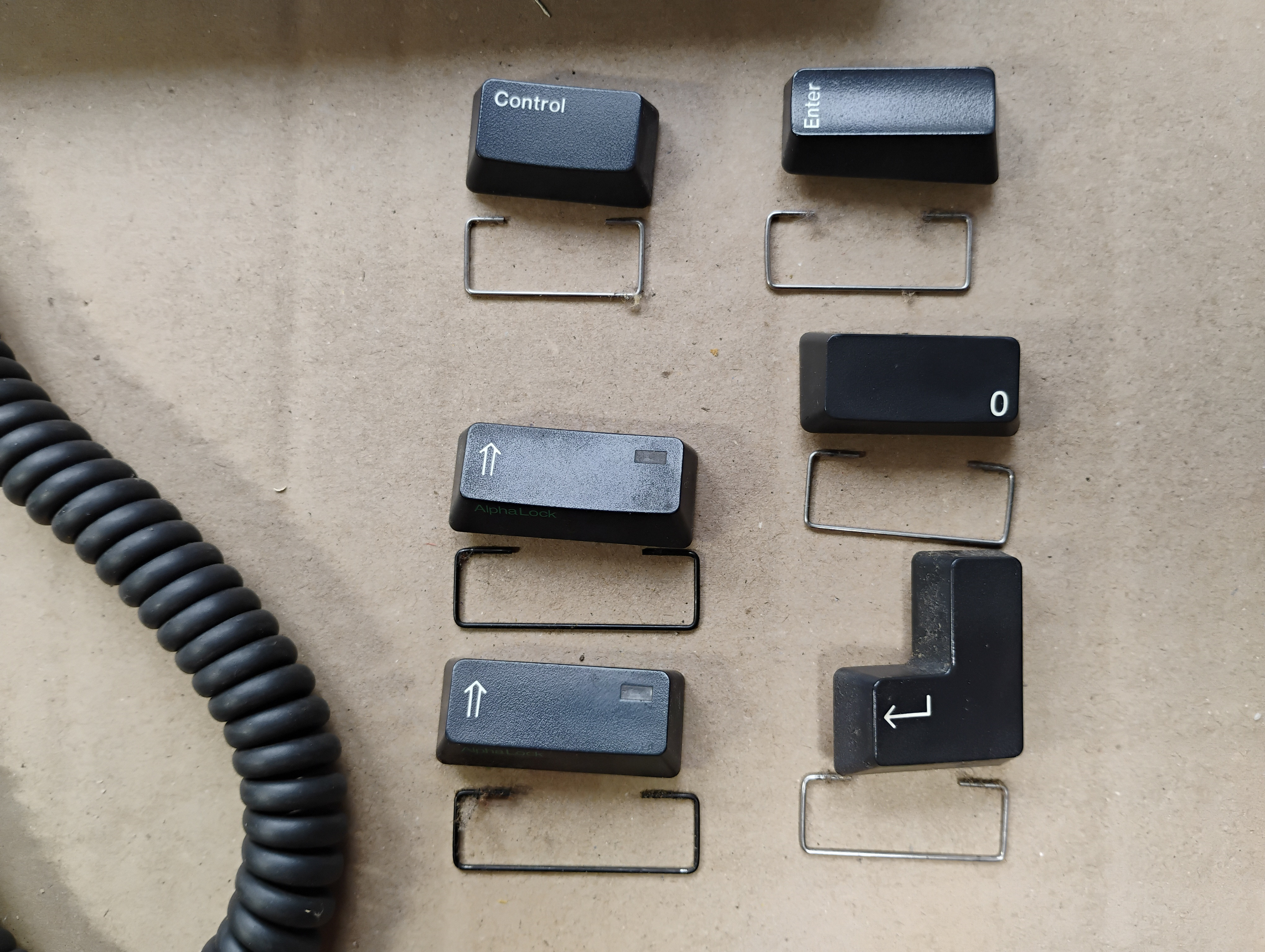
Some of the "long" keys have metal supports: two black ones for the Shift keys, a shorter one for the Control key, and the remaining have the same size for the Enter, Return, and (numpad) Zero keys. |
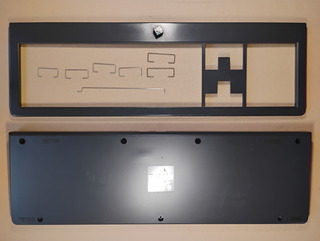 |
|
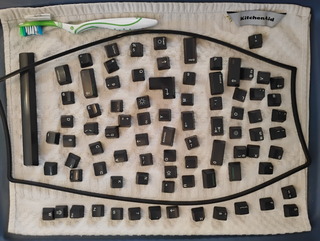 |
|
 |
|
 |
|
 |
|
 |
|
 |
|
|